Project Overview

home.diy is a product which enables user to save and organize their DIY projects effortlessly. The product basically provide you a chrome extension from which you can save the browsing content which you can access through their dashboard.

home.diy is a product which enables user to save and organize their DIY projects effortlessly. The product basically provide you a chrome extension from which you can save the browsing content which you can access through their dashboard.

My Role

As a UX Designer, I was tasked with designing a more clean and aesthetics design for landing page, project page and chrome extension of home.diy.

As a UX Designer, I was tasked with designing a more clean and aesthetics design for landing page, project page and chrome extension of home.diy.

Problem Statement

  1. Project Page

In these project page, the client want more refine and clean design which serves it's actual meaning . This page has 4 categories "Articles, Videos, Materials, Tools". Within each category there is information displayed which can include a link to a website.

In these project page, the client want more refine and clean design which serves it's actual meaning . This page has 4 categories "Articles, Videos, Materials, Tools". Within each category there is information displayed which can include a link to a website.

  1. Chrome Extension

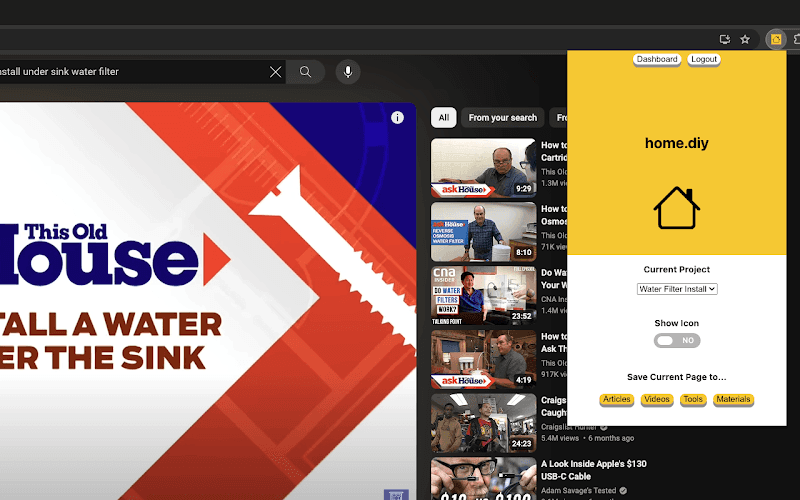
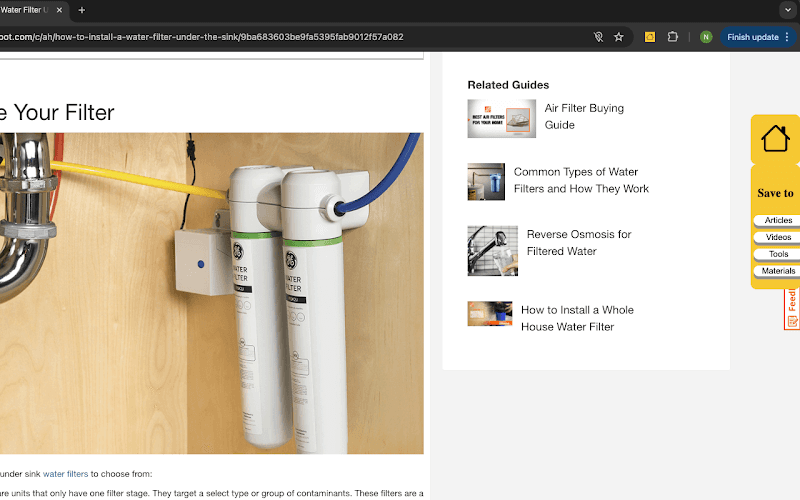
This is an extension that lets you save any webpage you are browsing for your DIY project on the home.diy dashboard. So they are looking for a cleaner and more aesthetic design.

This is an extension that lets you save any webpage you are browsing for your DIY project on the home.diy dashboard. So they are looking for a cleaner and more aesthetic design.

  1. Landing Page

To redesign their landing page that better reflects what their tool does. They also want to get rid of the "search" on the landing page and replace it with something that will better explain what their website does so that they can convert signups.

To redesign their landing page that better reflects what their tool does. They also want to get rid of the "search" on the landing page and replace it with something that will better explain what their website does so that they can convert signups.

Design

  1. Project Page

Talking about the design approach I started first with project page and chrome extension where I have to work on the design for a more engaging and efficient user experience.

Talking about the design approach I started first with project page and chrome extension where I have to work on the design for a more engaging and efficient user experience.

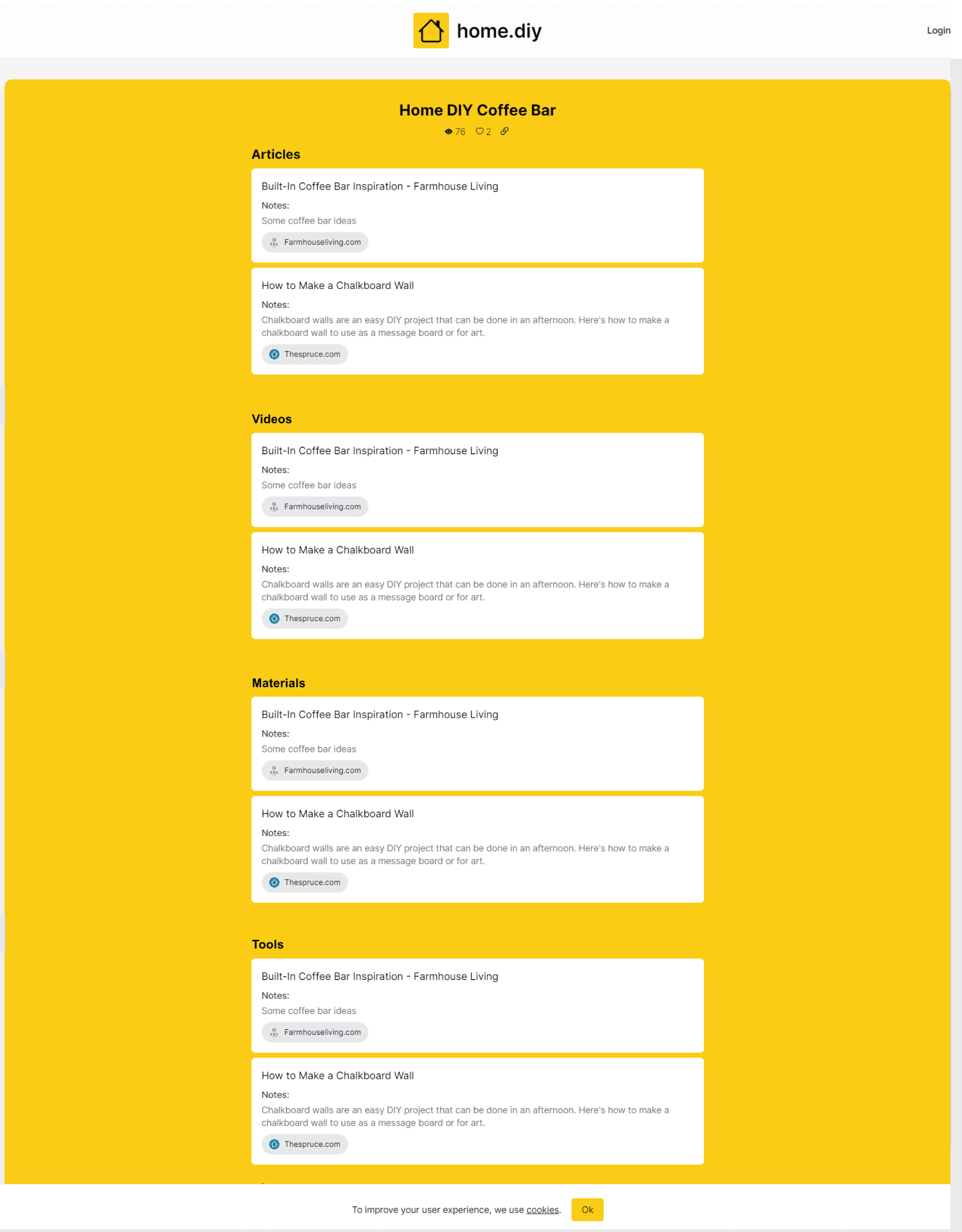
Full page view

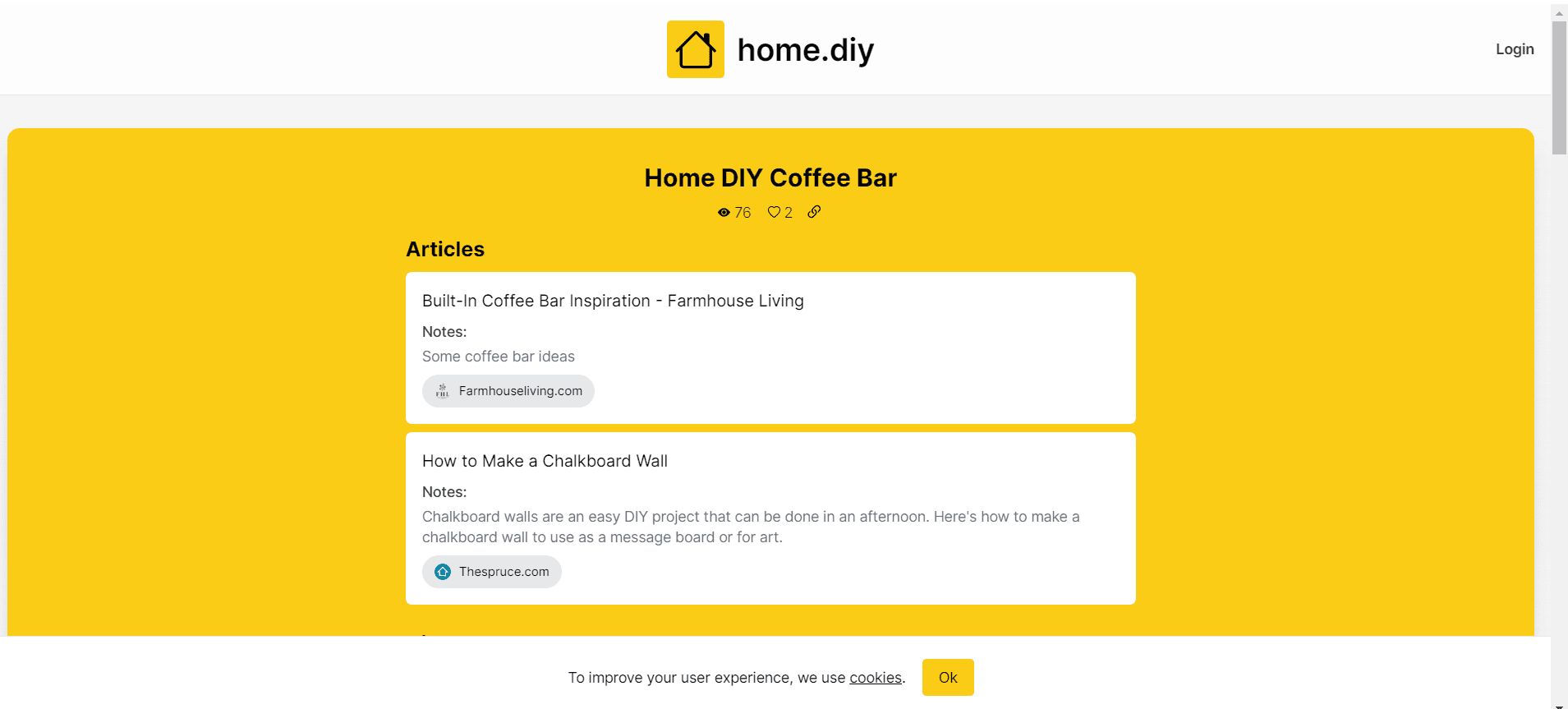
Viewport

After carefully analysis using UX principles on project page I discovered this issues-

After carefully analysis using UX principles on project page I discovered this issues-

Color Contrast and Readability

The yellow background with black text is visually striking but can be overwhelming and may strain the eyes.

The yellow background with black text is visually striking but can be overwhelming and may strain the eyes.

Visual Hierarchy

Visual Hierarchy

The layout lacks a clear visual hierarchy, making it hard for users to focus on key elements. For instance, the “Articles” section title is not distinct enough, blending in with the content

The layout lacks a clear visual hierarchy, making it hard for users to focus on key elements. For instance, the “Articles” section title is not distinct enough, blending in with the content

Spacing and Alignment

Spacing and Alignment

There is a lack of adequate spacing between elements, which makes the content feel cramped. This can cause a cluttered appearance and hinder quick scanning.

There is a lack of adequate spacing between elements, which makes the content feel cramped. This can cause a cluttered appearance and hinder quick scanning.

Content Organization

Content Organization

Every category (articles, videos, materials and tools) could be better organized to allow users to quickly identify different types of content. Currently, all items appear the same, making it hard to distinguish between different types of category.

Every category (articles, videos, materials and tools) could be better organized to allow users to quickly identify different types of content. Currently, all items appear the same, making it hard to distinguish between different types of category.

Accessibility Considerations

Accessibility Considerations

There is no clear focus state for interactive elements like links and buttons

There is no clear focus state for interactive elements like links and buttons

Feedback and Interactions

Feedback and Interactions

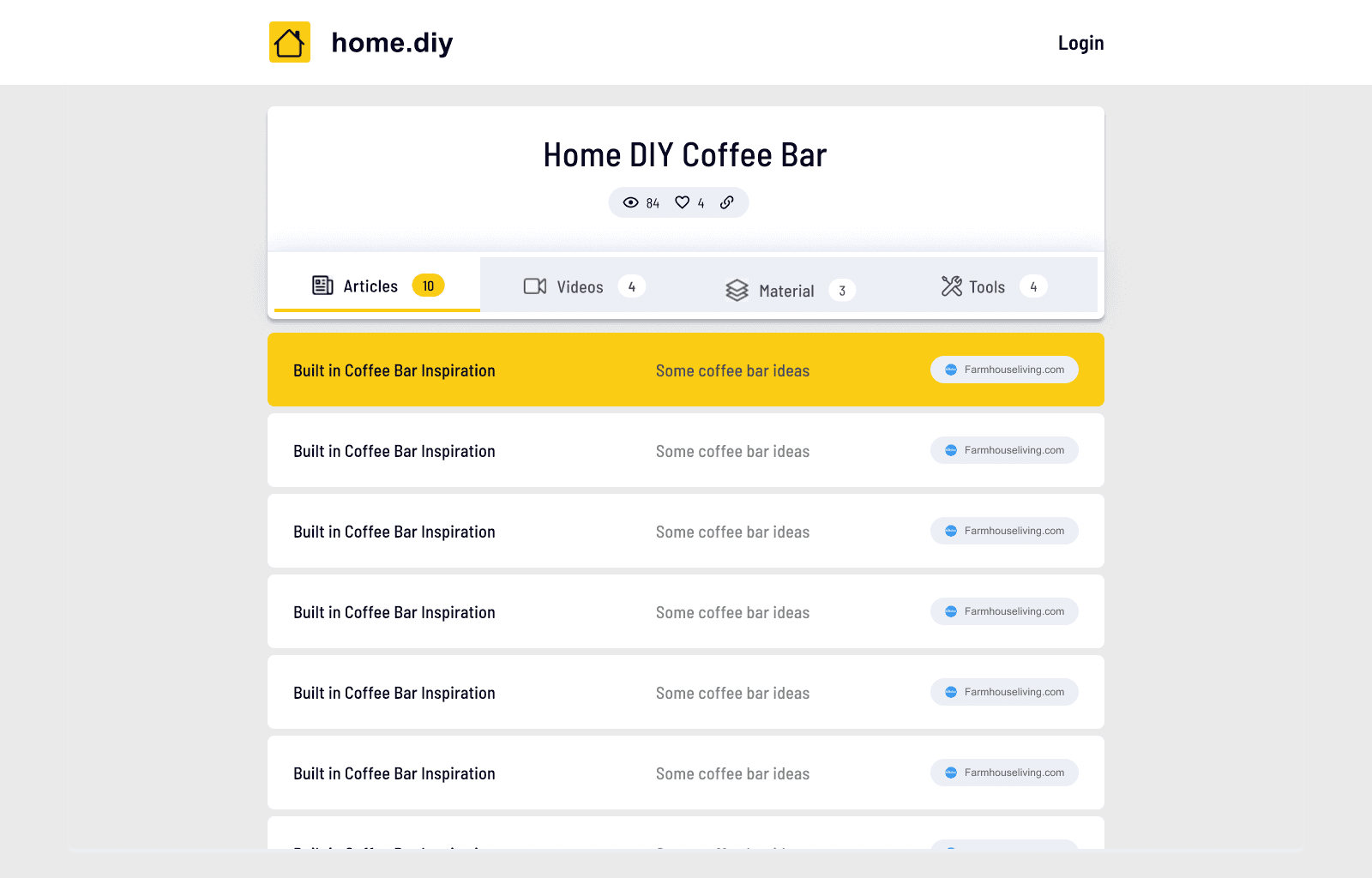
There is no immediate feedback when hovering or interacting with elements like articles or buttons, which can make the interface feel static.

There is no immediate feedback when hovering or interacting with elements like articles or buttons, which can make the interface feel static.

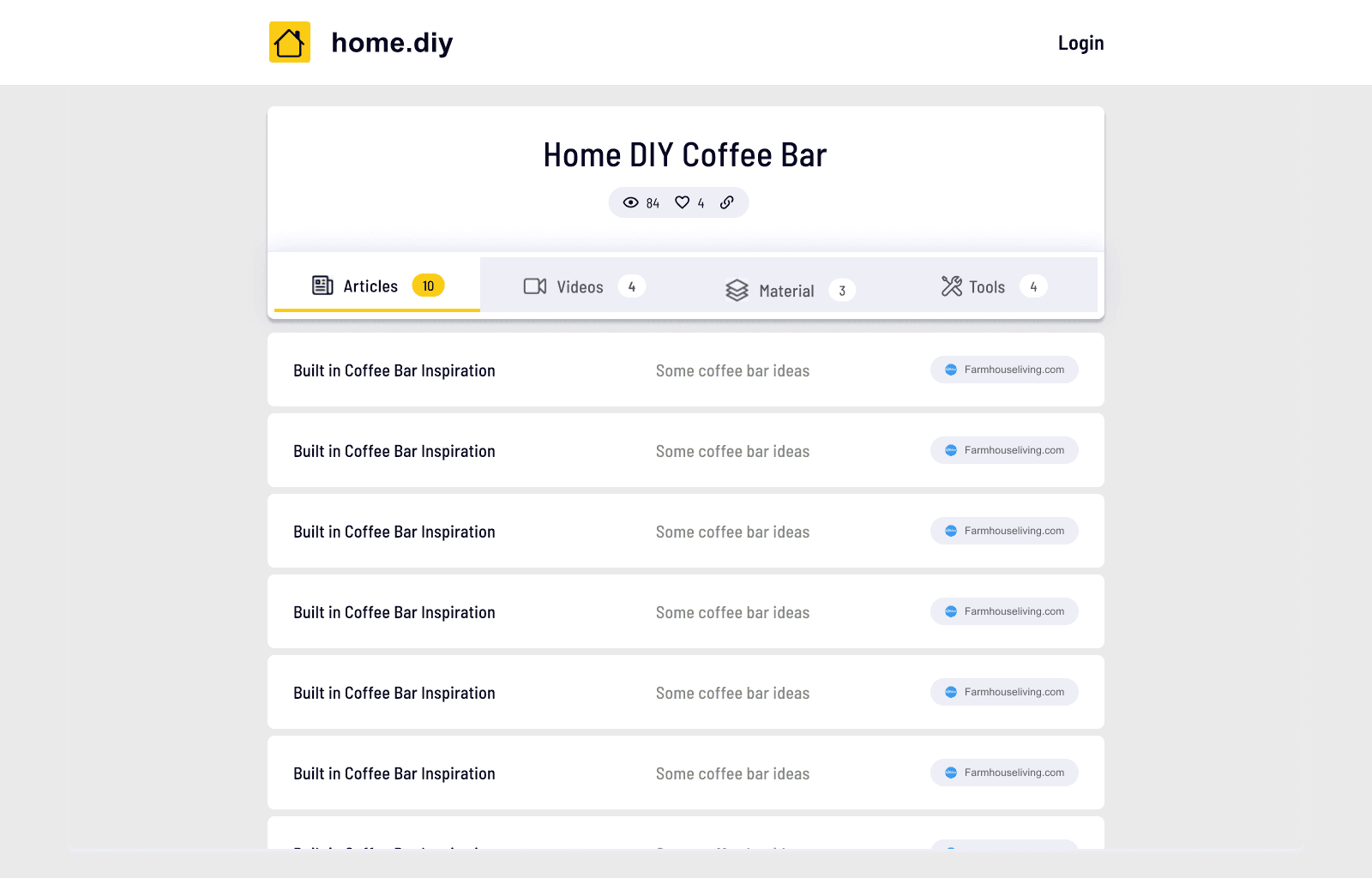
New Design

Improved Design

Improved Design

Improved Design

Hover State

Hover State

Hover State

  1. Chrome Extensions

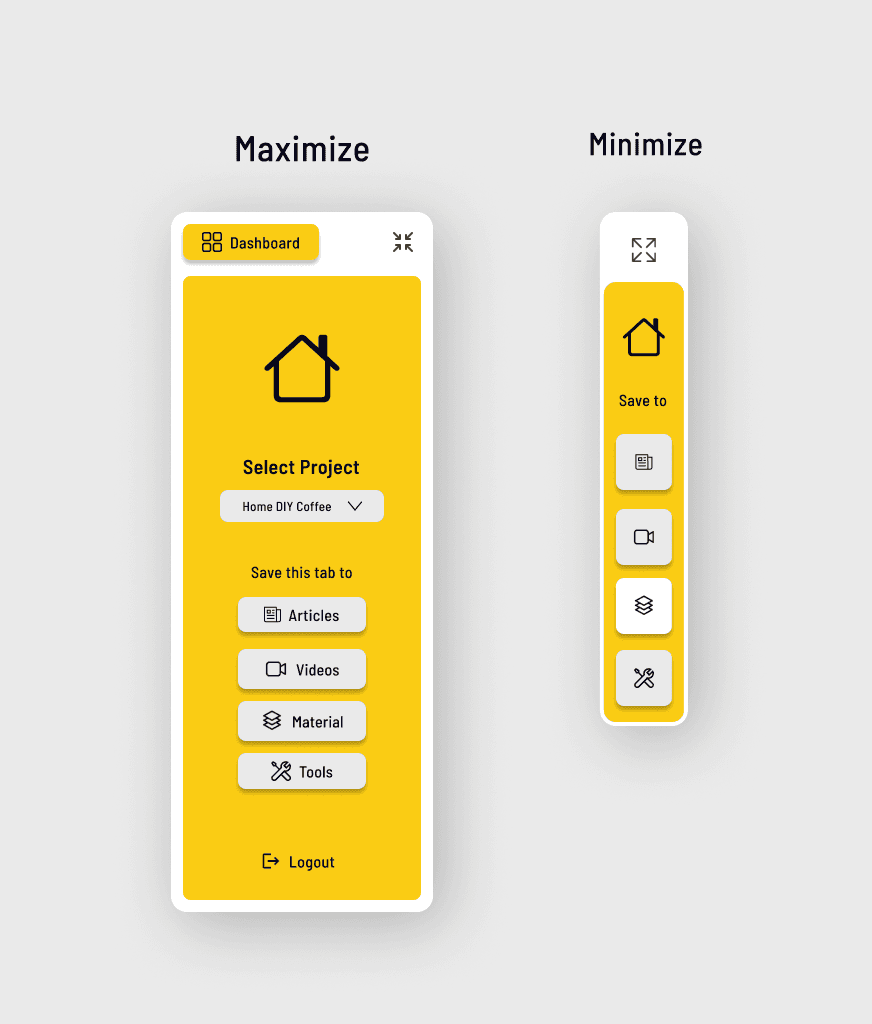
This is an extension that lets you save any webpage you are browsing for your DIY project on the home.diy dashboard. So were looking for a cleaner and more aesthetic design.

Before Design

Maximize Version
Minimize Version
After Design

After Design

After Design

  1. Web Design

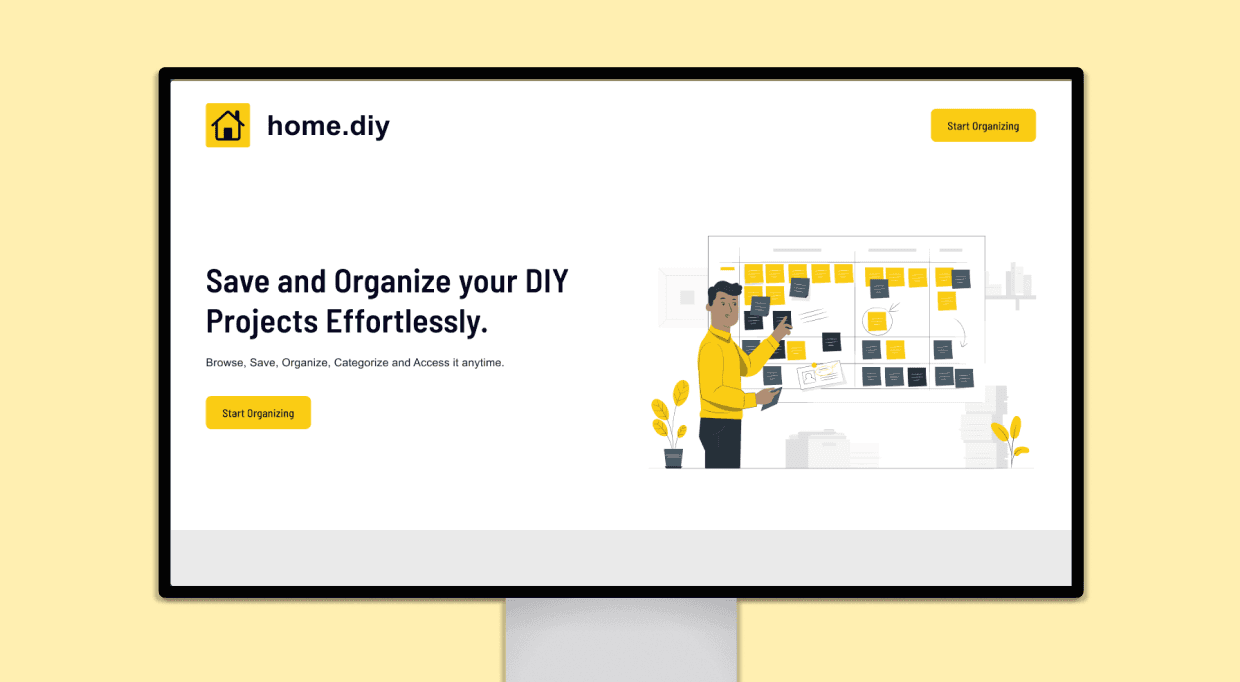
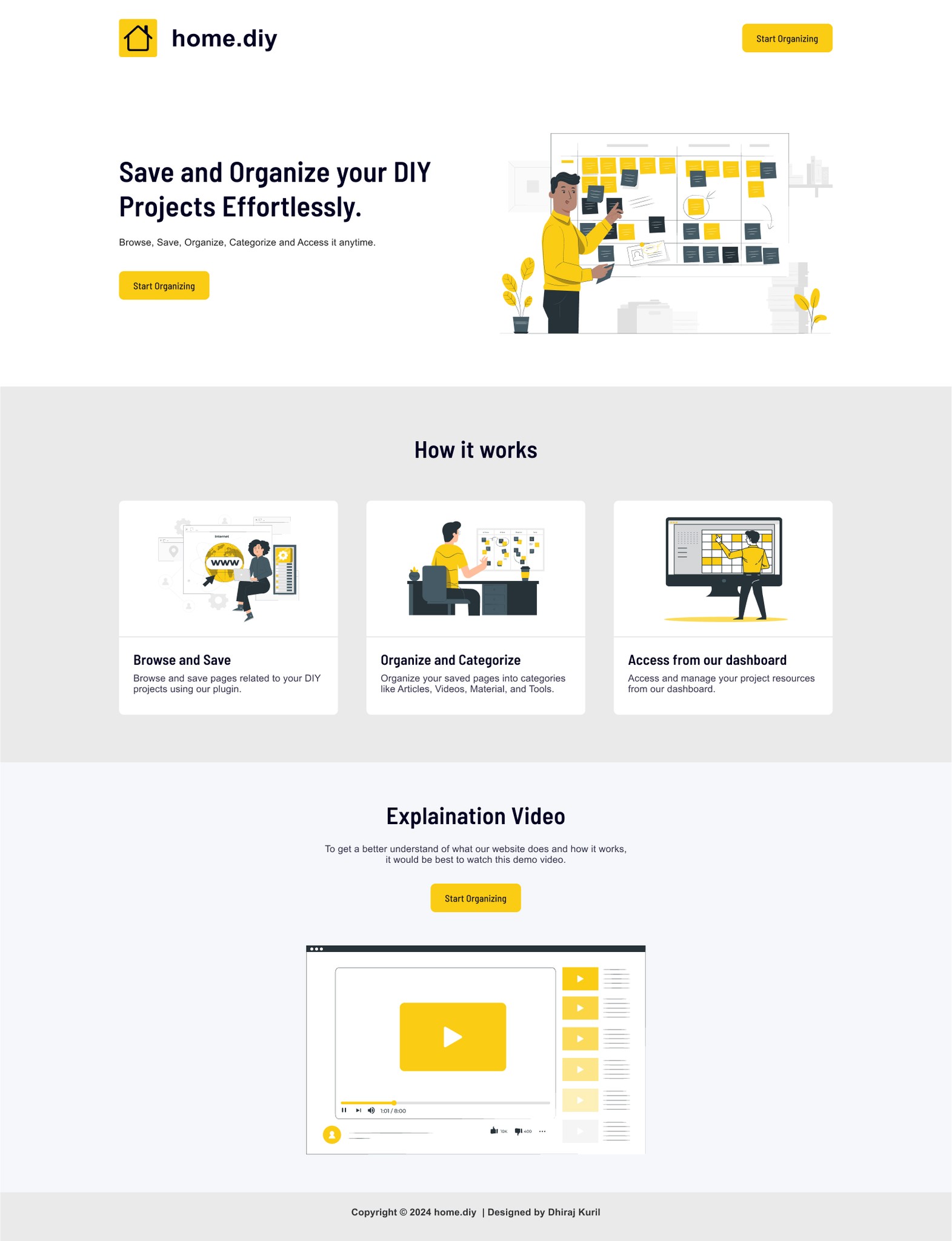
In terms of landing page they told me they want new landing page design that better reflects what their tool does. They also want to get rid of the "search" on the landing page (that they have in their existing one which even doesn't make sense) and replace it with something that will better explain what their website does so that they can convert signups.
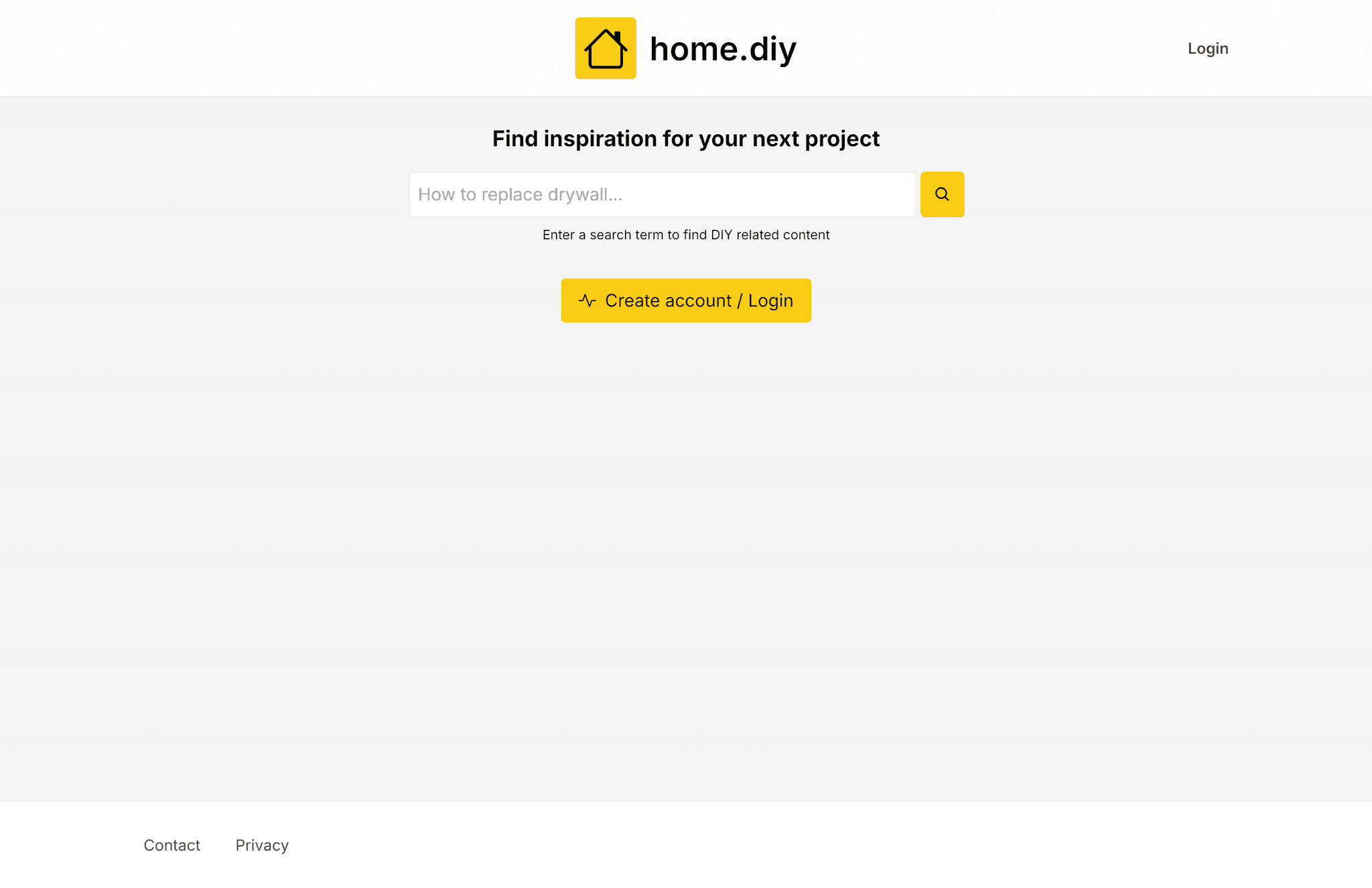
Before Design

Before Design

After Design

After Design

Design Impact

  1. Project Page

Redesigned the product page to streamline the user journey, enhancing readability, reducing friction points, and optimizing call-to-action placements for a more intuitive shopping experience.

  1. Chrome Extension

Revamped the Chrome extension interface to improve usability and accessibility, making navigation more intuitive and key features more visible, enhancing overall user engagement.

  1. Landing Page

Redesigned the landing page to better reflect the core functionality of the tool by removing the ineffective 'search' feature and replacing it with clear, concise messaging and visuals that explain the website’s purpose, effectively guiding users to sign up and engage with the platform.

This version highlights how the redesign directly addressed the need for clearer communication of the tool’s value and aimed at increasing user sign-ups.